
AI Agent Eye-opener (Or: How I built my first iOS app with AI)
As part of my daily work, I use AI a lot — asking the chat bot various questions, getting code snippets, general information searches. Until a few days ago, that covered my use of AI. I’ve taken several different AI/agentic coding classes but hadn’t had a real need or desire to build anything using AI. Until recently…
My plan was to build an AWS exam question generator that used AI to craft questions similar to those found on the actual exams. This sounded like a quick and easy project to get more familiar with development with AI.
I’d just recently re-passed the Solutions Architect Associate exam, so I figured I could easily assess whether the generated questions were appropriate and accurate. My first pass was to vibe code with a Claude chat bot (I picked up a cheap lifetime subscription to chatplayground.ai).
Next I did some searching (asking Claude and Copilot) about how to use local AI models. Ollama came back the overwhelming favorite. I have an older Nvidia GTX 1070 with 8GB of VRAM, so I tried a local model. The results were promising, with two agents coordinated via crewai — one to generate the questions and one to review/edit them.
I got a bit carried away and subscribed to Claude so I could add it as an agent in Xcode (later moved to VS Code), then vibe-coded those first generated questions into a small iOS app. It was very basic, but it worked — enough to convince me the idea had legs.
Running the question generation locally on the phone turned out to be slow and limited, so I went back to the drawing board. I chated with Gemini to create an app spec that listed out all the things I wanted the app todo. Then gave the spec to Claude.
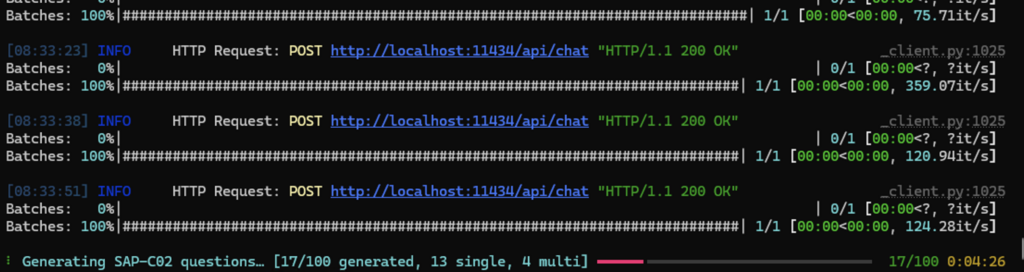
The was aws-exam-gen: it includes a local pipeline that downloads the official AWS exam guide and related whitepapers/FAQs for a certification, uses them as source material for a RAG process, and then runs a question generator and reviewer — both backed by a local Ollama model — against that material.
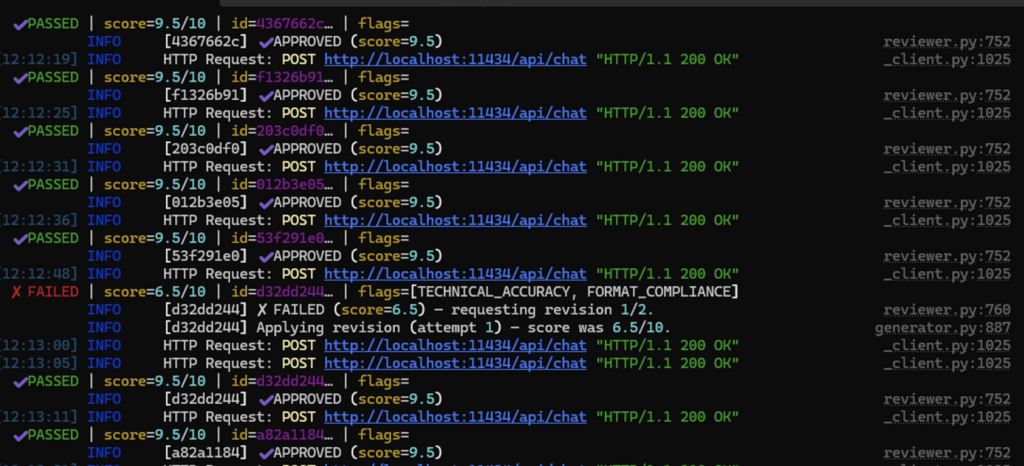
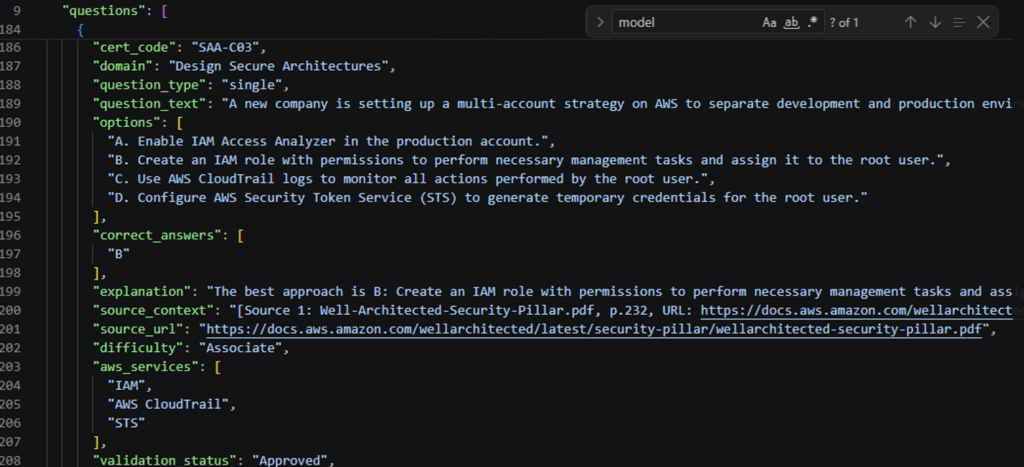
After fixing formatting and a handful of other issues, aws-exam-gen was ready. It takes about an hour to generate and review a batch of 100 questions. The output is a JSON file that includes the source document and URL behind each question, so every answer is traceable back to the actual exam guide or whitepaper it came from.
After a few days of letting it run, the generator had worked through every certification in the registry. Worth noting: the reviewer is configured to enforce quality and rejects questions that don’t fully align with the exam guide and/or blueprint — so the resulting output tends to land around 90% of the requested amount rather than the full count.
Question JSON file:
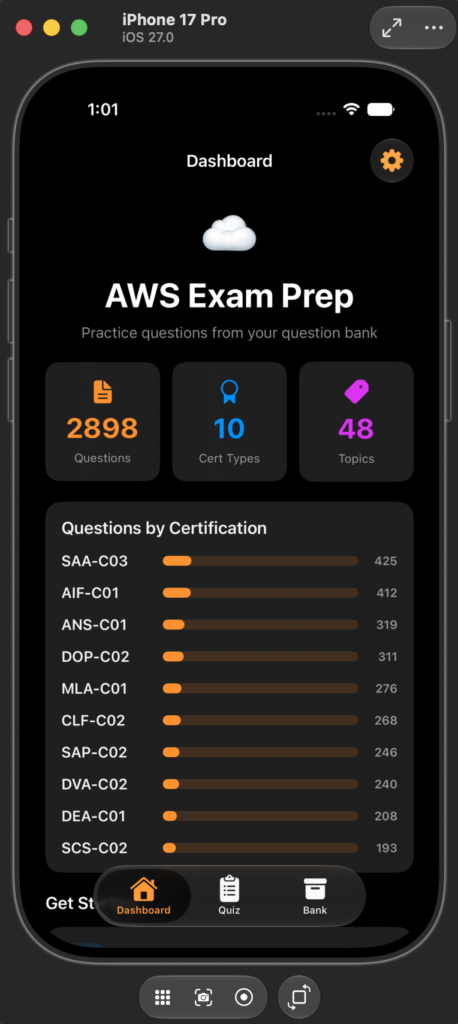
I took that JSON output and fed it into the updated AWSExamGen app as a simple quiz source.
Takeaways
Playing around with these setups — local AI endpoints vs. online AI services — made it clear there’s a lot left for me to learn. Vibe coding is fine for getting something built in a hurry, but I think spec-driven development is the better path to a solid working MVP; the AI has a clearer target to build toward, so the results land closer to the original intent. Local AI on iPhone had real limitations for building the question generator, which is what sent me back to a local model with Ollama and qwen2.5:7b-instruct.
Claude Code added to VS Code is awesome and makes the process of development streamlined. I love the various status measaging: “Combolulating”….”Congagating”…”Spelunking”, adds some wimsy to the process.
Try it yourself
The full project — including setup, source-doc download, ingestion, and generation steps — is on GitHub: aws-exam-gen (the README has copy-paste commands for both PowerShell and bash). It’s released under CC BY-NC 4.0, so feel free to fork it, adapt it, and generate your own question bank — just not for commercial use.
What’s next
Retry generation automatically when the reviewer’s rejection rate leaves a batch short of the requested count, instead of settling for ~90%.
Figure out how to get the AWSExamGen app published in the app store.
Happy building 🙂